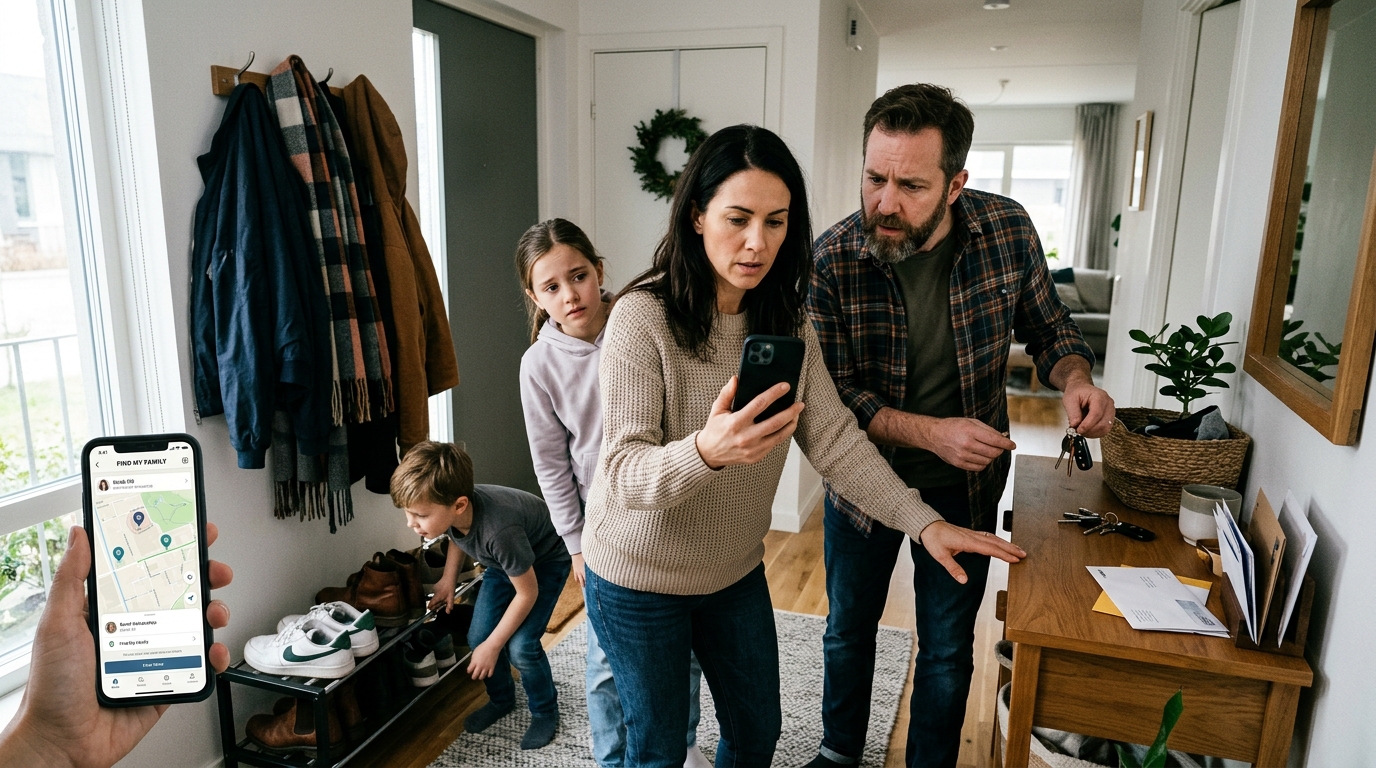
האם חיפוש הפוך לפי מספר טלפון באמת יכול לעזור לכם לאתר אדם או לשחזר מכשיר שאבד? בדרך כלל לא. חיפוש הפוך של שיחה או חיפוש לפי מספר טלפון יכולים לעזור לזהות מי כנראה מתקשר, בעוד שכלים כמו איתור הטלפון שלי ו-איתור המכשיר שלי נועדו לאתר טלפון שכבר מקושר אליכם או לקבוצת המשפחה שלכם.
אני עובד על מוצרים בתחום המיקום במובייל ובטיחות למשפחה, ותופעה אחת שאני רואה שוב ושוב היא בלבול בין כלי זיהוי לבין כלי מיקום. אנשים מחפשים מונח אחד כשבעצם הם צריכים משהו אחר. זה חשוב, כי התחלה עם הכלי הלא נכון מבזבזת זמן — במיוחד כשילד מתעכב בדרך הביתה, הורה מאבד מכשיר, או שמספר לא מוכר ממשיך להתקשר.
Find: Family Location Tracker היא אפליקציה למעקב מיקום משפחתי עבור מי שרוצים לראות בני משפחה ומכשירים מחוברים בפלטפורמות מובייל בצורה פשוטה ומעשית. היא מתאימה למשפחות, למטפלים, לזוגות שמשתפים מיקום בהסכמה, ולכל מי שרוצה למצוא טלפון מהר יותר בלי לעבור בין כמה כלים שונים.
לפני שמפריכים את המיתוסים, חשוב להבהיר הבחנה אחת: חיפוש לפי מספר טלפון מנסה לזהות למי שייך מספר, אבל הוא לא מייצר באופן קסום נתוני GPS חיים. לעומת זאת, יכולת איתור המכשיר שלי פועלת דרך הרשאות מכשיר, גישה לחשבון ושירותי מיקום. אלו מערכות שונות מהיסוד.
חיפוש הפוך לפי מספר טלפון אינו כלי למיקום חי
זו הטעות הנפוצה ביותר, והיא גם זו שגורמת להכי הרבה תסכול. אנשים רבים מניחים שחיפוש הפוך לפי מספר טלפון יגיד להם איפה אדם נמצא ממש עכשיו. בפועל, זה פשוט לא מה שהכלים האלה נועדו לעשות.
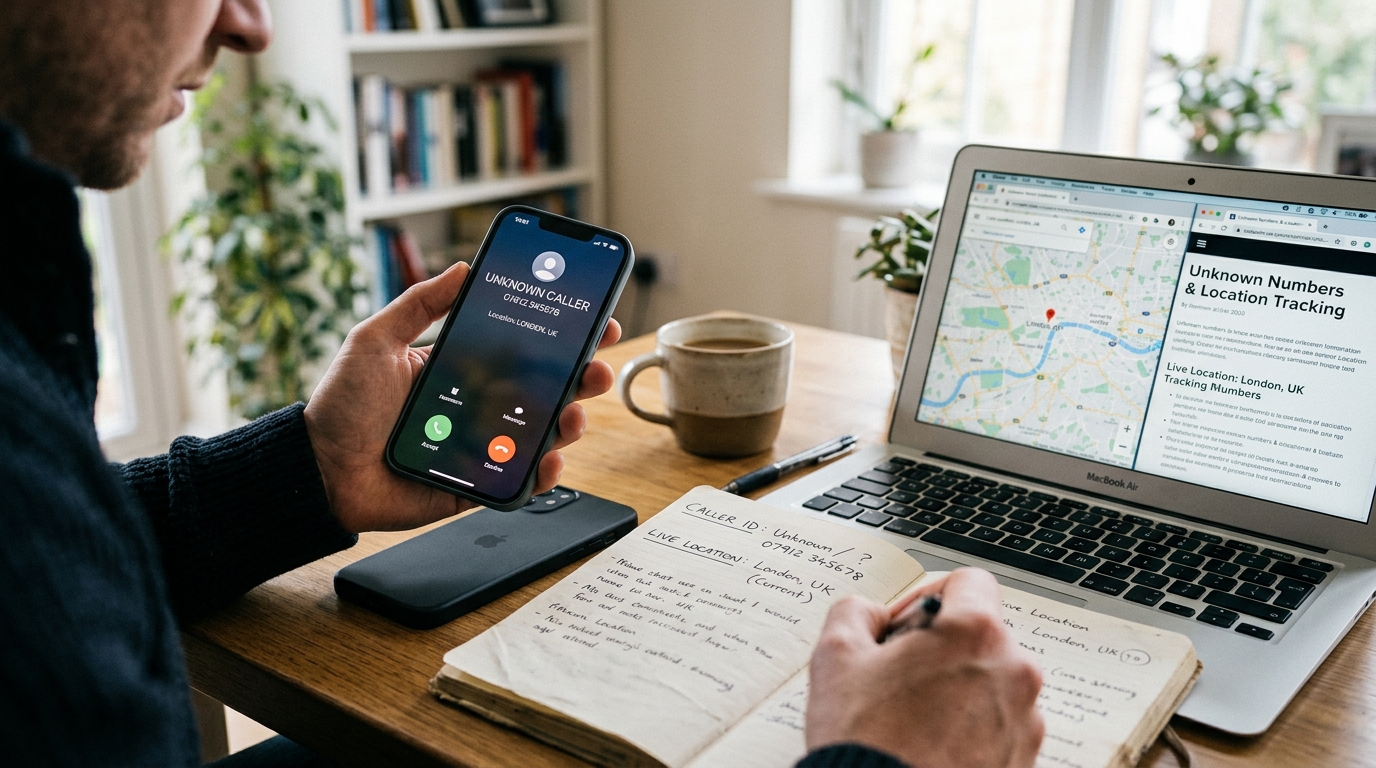
חיפוש הפוך בדרך כלל מנסה לענות על שאלות כמו: למי שייך המספר הזה? האם המתקשר הזה הוא אולי עסק, מקור ספאם או איש קשר מוכר? האם יש מידע ציבורי או חצי-ציבורי שמקושר אליו? זה בהחלט יכול להיות שימושי. אם פספסתם שיחה ורוצים להבין את ההקשר, חיפוש הפוך של שיחה יכול לעזור לכם להחליט אם לחזור למספר.
מה שהוא בדרך כלל לא יעשה הוא להציג נתוני מיקום משפחתיים בזמן אמת או תנועה של טלפון. מיקום חי דורש הרשאה ברמת המכשיר, גישה לאפליקציה, אותות רשת והגדרות המשתמש. לכן אנשים שמתחילים מחיפוש כמו "חיפוש מספר טלפון" לעיתים קרובות מתאכזבים — כי מה שהם באמת היו צריכים הוא אפליקציית מיקום משפחתית.
מהניסיון שלי, הבלבול הזה מופיע גם כשמשתמשים קופצים בין כלים כלליים לחיפוש אנשים לבין כלי מפות. הם פותרים בעיות שונות. אחד מזהה. השני מאתר.
אם המטרה האמיתית שלכם היא לבדוק אם הילד הגיע לבית הספר, לראות אם הורה מבוגר כבר בדרך הביתה, או לטפל באיתור טלפון אבוד ממכשיר אחר של המשפחה, קטגוריה רלוונטית יותר היא מעקב משפחתי מחובר. אם זה היעד שלכם, תצוגת המיקום המשותף של Find: Family Location Tracker נועדה בדיוק למשימה הזו.
איתור הטלפון שלי עובד טוב רק אם ההגדרה נעשתה לפני שהבעיה התחילה
אנשים לעיתים קרובות מניחים שאפשר להקליד איתור הטלפון שלי אחרי שמכשיר נעלם והכול יעבוד מיד. לפעמים זה קורה. הרבה פעמים לא — כי שלבי ההגדרה החשובים פשוט לא בוצעו מראש.
מערכת לאיתור טלפון תלויה בכמה יסודות:
- שירותי המיקום היו מופעלים
- המכשיר מחובר לחשבון הנכון
- יש גישה לאינטרנט, לפחות לסירוגין
- לאפליקציה או לשירות המערכת יש הרשאה לדווח על מיקום
- לאדם שמחפש יש גישה מורשית לאותו מכשיר או למעגל המשפחתי
כאן משתמשים רבים מבלבלים בין "איתור הטלפון שלי" לבין "חיפוש לפי מספר טלפון". חיפוש מספר לא מכין טלפון לשחזור. הוא לא יכול להחליף הגדרת חשבון או מעקב המבוסס על הסכמה. אם המכשיר מעולם לא היה מחובר, שום ביטוי חיפוש לא ישלים את החסר בדיעבד.
אני ממליץ למשפחות לבדוק פעם אחת את הגדרת איתור הטלפון לפני שבאמת צריכים אותה. פתחו את האפליקציה, אשרו שהשיתוף פועל, בדקו שהתראות והרשאות עובדות, וודאו שכל אחד מבני המשפחה יודע מה משותף. מהניסיון שלי, ההרגל היחיד הזה מונע כמות מפתיעה של לחץ.
הבעיה המעשית היא לא פעם מחסור באפשרויות, אלא עודף של אפשרויות מנותקות. מהניסיון שלי, הגדרה שעובדת גם בתיאום משפחתי יומיומי בדרך כלל אמינה יותר מאשר מעבר בלחץ בין שירותים נפרדים רק אחרי שמשהו השתבש.
חיפוש הפוך של שיחה לא מחליף תכנון בטיחות משפחתי
עוד מיתוס: אם מתקשר לא מוכר יוצר קשר עם ילד או עם קרוב משפחה מבוגר, חיפוש הפוך של שיחה יפתור את כל הבעיה. הוא אולי יעזור לזהות את המספר, אבל זה רק חלק קטן מההחלטה.
מה שמשפחות בדרך כלל צריכות באותו רגע הוא רצף פעולות:
- לזהות אם המספר נראה מוכר או חשוד
- לבדוק שבן המשפחה בטוח וניתן ליצור איתו קשר
- לאשר מיקום עדכני או נוכחי אם צריך
- להחליט אם לחסום, להתעלם או להגיב
ההקשר הרחב הזה הוא הסיבה שכלי זיהוי וכלי מיקום לא צריכים להיחשב תחליף זה לזה. חיפוש הפוך של שיחה עוזר לענות על השאלה "מי זה יכול להיות?". מעקב משפחתי עוזר לענות על השאלה "האם האדם שלי בסדר, ואיפה הוא אם בחר לשתף מיקום?".
זה נכון גם בין הרגלי שימוש שונים ובין מותגי טלפונים שונים. בין אם מישהו משתמש בטלפון קומפקטי, במכשיר אנדרואיד נפוץ או בסוג אחר של מכשיר, העיקרון נשאר זהה: זיהוי טלפון הוא לא אותו דבר כמו מעקב אחר מיקום הטלפון.
הבחירה הנכונה תלויה במשימה שאתם באמת צריכים לבצע
אנשים שואלים לעיתים קרובות מה עדיף: חיפוש הפוך לפי מספר טלפון, איתור המכשיר שלי או אפליקציית מיקום משפחתית. התשובה הכנה היא שכל אחד מהם מתאים למשימה אחרת.
| צורך | סוג הכלי המתאים ביותר | למה לצפות |
|---|---|---|
| לזהות מתקשר לא מוכר | חיפוש הפוך לפי מספר טלפון / חיפוש הפוך של שיחה | שם, שיוך לעסק, הקשר של ספאם, אם קיים |
| לשחזר את המכשיר האבוד שלכם | שירות איתור הטלפון שלי / איתור המכשיר שלי | מיקום על מפה, צלצול למכשיר, פעולות על המכשיר אם הופעלו |
| לראות בני משפחה מחוברים באופן שוטף | מעקב מיקום משפחתי | מיקום משותף, מפת משפחה, תיאום מעשי |
| לבדוק מספר שממנו קיבלתם הודעת טקסט | חיפוש לפי מספר טלפון | רמזים בסיסיים לזהות, לא GPS חי |
ההבחנה הזו מועילה גם אם אתם משווים בין אפליקציה משפחתית ייעודית לבין שירותי מפות כלליים. מפה כללית נבנתה עבור מסלולים ומקומות. אפליקציית מעקב משפחתית ממוקדת בנראות מתמשכת, בהרשאות ובתיאום בתוך הבית. יש קשר בין הדברים, אבל הם לא זהים.
פרטיות והסכמה אינן פרטים שוליים
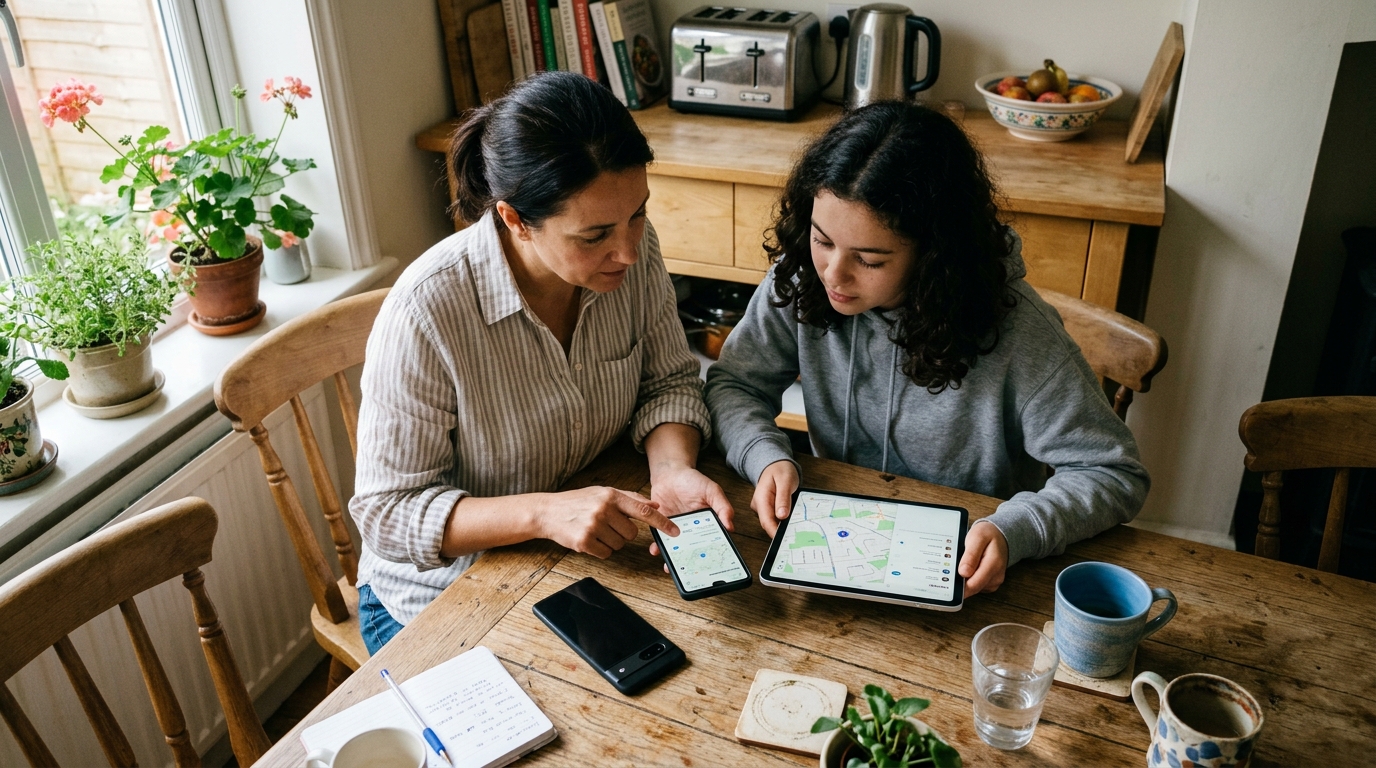
חלק מהחיפושים ברשת מרמזים בבירור על רצון "לרגל" או לעקוב בסתר. חשוב לי לומר זאת ישירות: אם המטרה שלכם היא מעקב חשאי, אפליקציית מיקום משפחתית לגיטימית אינה הכלי המתאים. שיתוף מיקום אחראי תלוי בהרשאה מודעת, בהגדרות ברורות ובהבנה הדדית.
למי הקטגוריה הזו מתאימה במיוחד? למשפחות עם ילדים, למטפלים התומכים במבוגרים, לזוגות שבוחרים לשתף מיקום במודע, ולמשקי בית שמאבדים טלפונים לעיתים קרובות.
למי זה לא מתאים? לאנשים שמנסים לעקוב אחרי מישהו בלי הסכמה, למשתמשים שרק רוצים בדיקה חד-פעמית של זהות מתקשר לא מוכר, או לכל מי שמצפה שמספר טלפון לבדו יחשוף מיקום חי.
הגבול הזה חשוב לאמון. בעבודה על מוצרים למדתי שכלי בטיחות משפחתיים מועילים באמת הם אלו שהמשתמשים מבינים ומסכימים להשתמש בהם. התנהלות נסתרת בדרך כלל יוצרת יותר סיכון, לא פחות.
הבנה ברורה של ההבדל בין שיתוף מיקום לבין שימוש רגיל במפות עוזרת למשפחות לבחור כלים מעשיים יותר ולהגדיר אותם נכון עוד לפני שהם נחוצים.
קריטריונים טובים לבחירה מונעים את טעויות הקנייה הנפוצות ביותר
כשאנשים בוחנים אפליקציית מיקום אחרי חיפוש מונחים כמו איתור המכשיר שלי או איך למצוא את הטלפון שלי, הם לעיתים קרובות מחליטים מהר מדי. אני מציע להשתמש במקום זאת במסגרת החלטה קצרה.
בדקו קודם את הקריטריונים האלה:
- בהירות ההגדרה: האם כל אחד מבני המשפחה יכול להבין הרשאות ושיתוף תוך כמה דקות?
- קריאות המפה: האם התצוגה המשפחתית פשוטה מספיק לשימוש בזמן לחץ?
- תמיכה באיתור טלפון: האם זה עוזר בתרחישים יומיומיים של טלפון שאבד ממכשיר אחר?
- מודל הסכמה: האם המשתמשים מקבלים הסבר ברור על מה משותף?
- התנהגות הסוללה: האם יש איזון בין עדכונים שימושיים לבין צריכת סוללה מעשית?
- התאמה לפלטפורמה: האם זה עובד בצורה אמינה על סוגי הטלפונים שהמשפחה שלכם באמת משתמשת בהם?
- היגיון תמחור: האם הערך ברור עבור משק בית, ולא רק למשתמש יחיד?
זה חשוב יותר מרשימות פיצ'רים ארוכות. מהניסיון שלי בבניית מוצרים למובייל, אפליקציית המעקב המשפחתית הטובה ביותר היא בדרך כלל לא זו עם הכי הרבה כפתורים, אלא זו שהמשפחה שלכם באמת תשאיר מוגדרת נכון לאורך זמן.
לקוראים שמשווים בין אפשרויות ברחבי עולם האפליקציות הרחב יותר, פורטפוליו אפליקציות המובייל של Frontguard נותן תמונה שימושית של האופן שבו כלי תקשורת ובטיחות משפחתית שונים ממוקמים עבור מקרי שימוש שונים.
אי-הבנות קטנות יוצרות טעויות גדולות
אלה הטעויות שאני רואה הכי הרבה:
- שימוש בחיפוש לפי מספר טלפון כשהצורך האמיתי הוא שחזור מכשיר
- הנחה שחיפוש הפוך לפי מספר טלפון מספק GPS בזמן אמת
- המתנה עד שהטלפון יאבד לפני שמפעילים הרשאות
- התעלמות מהסכמה ומבהירות לגבי חשבונות משותפים בתוך הבית
- השוואה בין אפליקציות ניווט למעקבי משפחה כאילו הן ניתנות להחלפה
אלו בעיות שאפשר למנוע. אם אתם יודעים אם הצורך שלכם הוא זיהוי, שחזור מכשיר או מעקב מיקום משפחתי מתמשך, הרבה יותר קל לבחור את הכלי הנכון.
השאלות המעשיות פשוטות יותר ממונחי החיפוש
האם אפשר לאתר מישהו רק לפי המספר שלו?
לא באופן שרוב האנשים מתכוונים אליו. חיפוש לפי מספר טלפון יכול לעזור בזיהוי מספר, אבל מיקום חי בדרך כלל דורש גישה למכשיר, הרשאות שיתוף וכלים מבוססי חשבון.
במה כדאי להשתמש אם איבדתי את הטלפון שלי?
השתמשו קודם במערכת איתור הטלפון שלי או איתור המכשיר שלי שכבר הוגדרה. זה מה שנבנה לצורך שחזור. חיפוש הפוך של שיחה לא נועד לכך.
מה אם אני צריך לעקוב אחרי בני משפחה ביום-יום?
השתמשו באפליקציית מיקום משפחתית המבוססת על הסכמה. היא מתאימה הרבה יותר לתיאום שוטף מאשר כלי חיפוש חד-פעמיים.
האם מעקב משפחתי הוא אותו דבר כמו מפות כלליות?
לא. מפות כלליות מתמקדות במסלולים ובמקומות. מעקבי משפחה מתמקדים באנשים ובמכשירים משותפים.
התנהגות החיפוש גורמת למשימות האלה להישמע מסובכות יותר ממה שהן באמת. ברגע שמפרידים בין זיהוי מתקשר, שחזור מכשיר ותיאום משפחתי, ההחלטה בדרך כלל די פשוטה. אם הצורך העיקרי שלכם הוא לזהות מתקשר לא מוכר, התחילו עם חיפוש הפוך. אם אתם צריכים לשחזר טלפון שאבד, התחילו עם כלים לאיתור מכשיר. ואם אתם רוצים שאנשים מחוברים יוכלו לראות זה את זה בחיי היומיום, כאן אפליקציית מיקום משפחתית כמו Find: Family Location Tracker היא פתרון מעשי והגיוני.