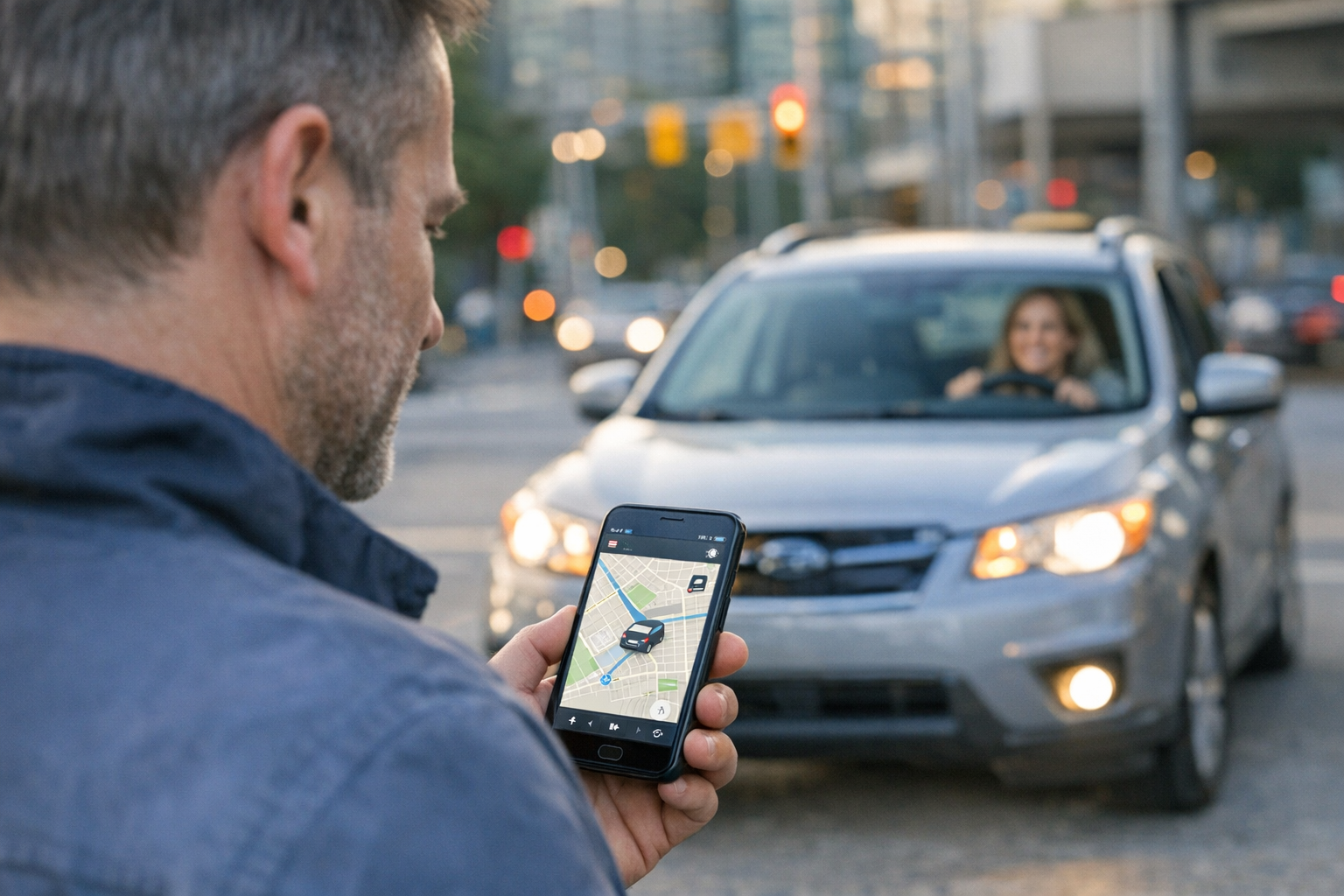
Когда люди ищут такие инструменты, как waze, maps, true people search, find my i phone или find my iphone com, чаще всего они пытаются решить очень обычную задачу: им нужен надежный способ понять, где находится важный для них человек, все ли с ним в порядке и как быстро с ним связаться, если планы изменились.
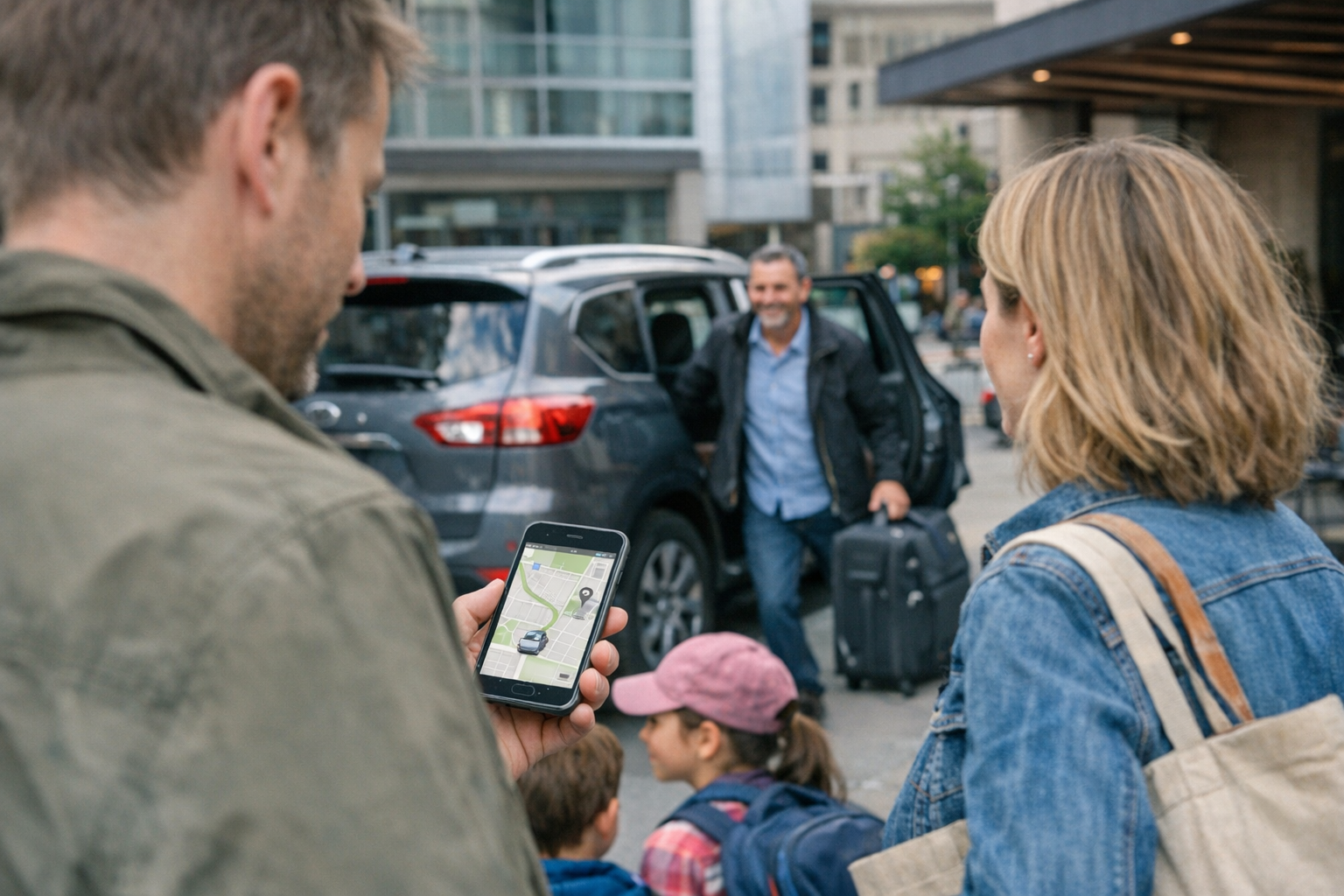
Именно здесь полезен Find: Family Location Tracker. Это приложение для отслеживания местоположения семьи и близких, созданное для удобного обмена геолокацией между людьми, которые сами хотят оставаться на связи. Вместо того чтобы переключаться между навигаторами, чатами и перегруженными рекламой поисковыми сервисами, семьи могут использовать одно приложение, чтобы проверять местоположение, поддерживать повседневный контроль и снижать обычный стресс вокруг встреч, опозданий и потерянных телефонов.
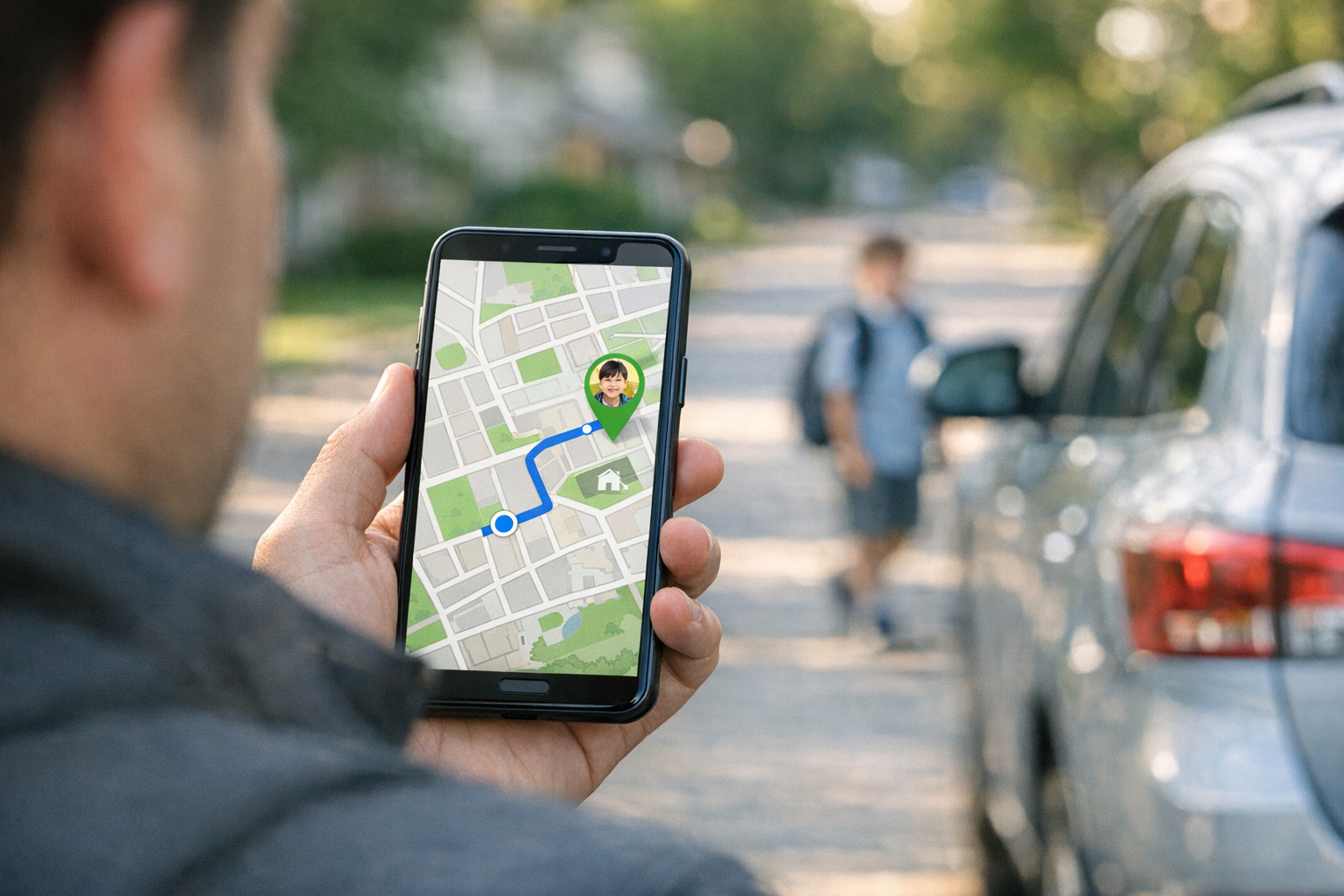
Речь не о слежке в драматичном смысле. Для большинства пользователей это вопрос координации. Родитель хочет знать, добрался ли ребенок до школы. Пара хочет делиться геопозицией в реальном времени во время поездки. Взрослый ребенок хочет проверить, как проходит дорога у пожилого родителя, который едет один. Другу нужна помощь с поиском телефона после того, как устройство забыли в такси. Именно в таких повседневных ситуациях приложение для обмена геолокацией оказывается действительно полезным.
Главная проблема: слишком много инструментов и ни одного ясного ответа
Обычно люди начинают не с семейного трекера. Сначала они открывают то, к чему уже привыкли.
Они запускают Waze navigation live traffic, чтобы оценить время прибытия. Открывают приложение map, чтобы проверить адрес. Пробуют find my iphone, когда пропадает устройство. Иногда даже ищут true people search, fast people search, reverse phone lookup, reverse call lookup или phone number lookup, потому что пытаются собрать в одну картину человека, место и номер телефона.
Проблема в том, что каждый такой инструмент решает только часть задачи.
- Навигационные приложения помогают добраться из точки А в точку Б, но не всегда удобны для координации между членами семьи.
- Сервисы поиска устройств, такие как find my i phone или find my device, помогают найти телефон, но не рассчитаны на ежедневные семейные сценарии.
- Сервисы поиска людей могут помочь найти контактные данные, но это не решение для отслеживания местоположения в реальном времени.
- Мессенджеры полезны, но постоянные сообщения в духе «Ты где?» очень быстро начинают утомлять.
Find: Family Location Tracker закрывает этот пробел. Он дает семьям и доверенным контактам простой способ делиться геолокацией в реальном времени в одном месте, чтобы вопрос «Ты где?» не приходилось повторять весь день.
Для кого подходит Find: Family Location Tracker
Это приложение лучше всего подходит тем, кому важны не столько технические функции, сколько практичное спокойствие в повседневной жизни.
1. Семьи с детьми
Это самый очевидный сценарий. Родителям чаще нужен легкий и регулярный контроль, а не постоянные звонки. Если ребенок идет домой пешком, едет со школьной группой или задерживается после тренировки, общий доступ к геолокации снимает много неопределенности. Вместо того чтобы звонить снова и снова, семья может просто открыть приложение и увидеть, как продвигается маршрут.
2. Пары, которые координируют насыщенные дни
Общий доступ к местоположению удобен, когда один из партнеров едет с работы, по магазинам, в поездке или возвращается домой поздно. Это помогает решать простые бытовые вопросы: когда начинать готовить ужин, когда выезжать за кем-то или задерживает ли движение прибытие. Люди, которые уже полагаются на waze или maps, часто ценят семейный трекер именно потому, что навигация и взаимная видимость решают разные задачи.
3. Взрослые дети, поддерживающие пожилых родителей
Многие пользователи хотят деликатный способ оставаться на связи с пожилым членом семьи, особенно во время визитов к врачу, длинных поездок или самостоятельных выходов из дома. В такой ситуации обмен геолокацией может быть менее навязчивым, чем частые звонки с вопросами.
4. Те, кто часто теряет устройства
Некоторые пользователи приходят через сценарий «потерянный телефон». Сначала они ищут find myiphone com, find my phone или google telefon, потому что им нужно найти пропавшее устройство. Семейный трекер тоже может помочь в такие моменты, особенно если устройство входит в общую группу и кому-то еще нужно помочь с его поиском.
5. Люди, которые организуют поездки и встречи на улице
Будь то автопутешествие, многолюдное мероприятие или прогулка на выходных, вдохновленная приложениями вроде all trails, обмен геолокацией помогает группе оставаться на связи без бесконечной переписки. Если кто-то поехал другим маршрутом или опаздывает, все видят, что происходит.
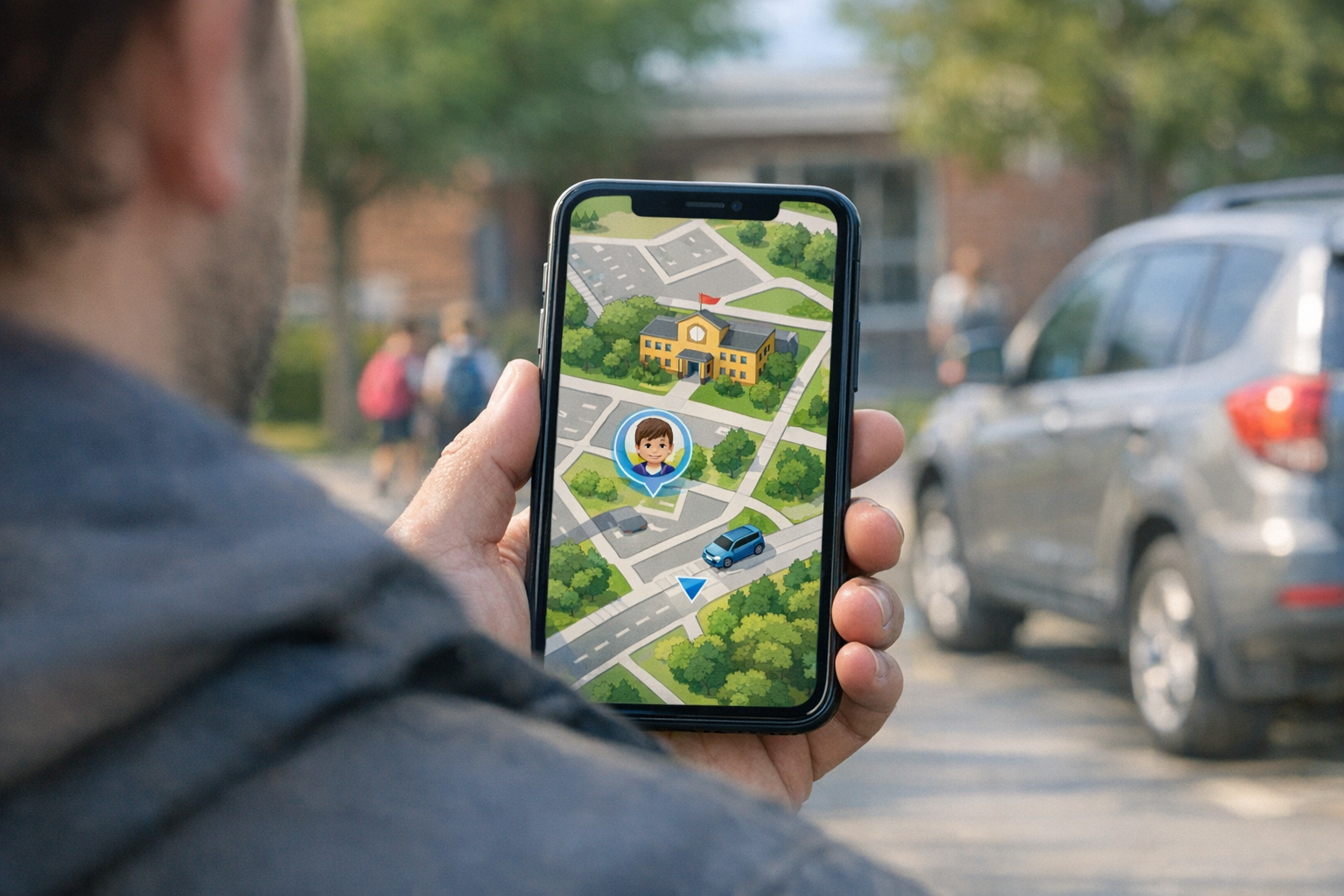
Чем это отличается от Waze, карт или Find My iPhone?
Проще всего понять приложение, если сравнить их назначение.
Waze отлично подходит, когда нужна навигация по маршруту, информация о трафике и оценка времени прибытия. Приложения Maps незаменимы, когда нужны маршруты, сведения о местах или ближайшие остановки. Find My iPhone в основном предназначен для поиска устройства, привязанного к учетной записи. А запросы вроде true people search обычно связаны с поиском публичной информации о человеке.
Find: Family Location Tracker решает другую задачу. Его основная цель — помогать доверенным людям видеть местоположение друг друга в реальной жизни и в реальном времени для удобной координации.
То есть это меньше про поиск информации о ком-то и больше про связь с теми, кто сам решил делиться с вами своим местоположением.
Практические сценарии первого использования
Если вам интересно, как это выглядит в первый день, вот самые распространенные стартовые сценарии.
Встреча ребенка без постоянных звонков
Родитель создает небольшую семейную группу и просит второго родителя или старшего ребенка включить геолокацию. Если время встречи меняется, не нужно вести длинную переписку. Можно быстро посмотреть, они еще в школе, уже в дороге или почти дома.
Помощь в поиске потерянного телефона
Телефон оставили в кафе, в такси или на работе. Вместо того чтобы искать только через find my iphone или find my device, член семьи может помочь, проверив последнее известное местоположение через общий трекер. Это особенно полезно, когда владелец нервничает или не может сразу войти в свой аккаунт.
Проверка, добрался ли подросток
Это один из самых частых семейных сценариев. Подросток едет в школу, к репетитору или к друзьям. Цель не в постоянном контроле. Цель — просто знать, что он добрался безопасно, особенно если он забыл написать сообщение.
Встреча в людном месте
Концерты, фестивали, торговые центры и оживленные городские районы — именно там обычные метки на карте часто оказываются неудобными. Геолокация в реальном времени заметно упрощает встречу по сравнению с попытками объяснить ориентиры в чате.
Координация в автопутешествии
Когда несколько машин едут вместе, одна группа может использовать waze navigation live traffic для маршрута, а другая — стандартное картографическое приложение. Семейный трекер позволяет всем видеть, где находится каждая машина, независимо от того, каким навигатором пользуются участники.
Проверка маршрута пожилого родителя во время дел
Пожилой родитель один едет в поликлинику, магазин или в гости. Общий доступ к местоположению помогает близким убедиться, что поездка проходит нормально, не создавая ощущения допроса каждый час.
Чего ожидать при первом использовании
Лучший первый опыт обычно получается самым простым. Не пытайтесь строить сложную систему в первый же день.
- Начните с одного круга доверия. Добавьте только тех людей, кому действительно нужен общий доступ к местоположению.
- Сразу договоритесь об ожиданиях. Объясните, зачем вы используете приложение: для встречи после школы, безопасности в поездках или помощи с потерянным телефоном.
- Проверьте его в обычной повседневной ситуации. Поездка в школу, дорога на работу или поход в магазин подходят лучше, чем тест во время экстренной ситуации.
- Сравните с вашими текущими привычками. Посмотрите, стало ли меньше звонков, сообщений и путаницы.
- Обсудите конфиденциальность. Обмен геолокацией работает лучше всего, когда все понимают, что именно передается и зачем.
Если раньше вы постоянно переключались между maps, чатами и ручными сообщениями о своем местоположении, вы быстро заметите разницу. Ценность не в том, чтобы просто видеть точку на экране. Ценность в том, чтобы уменьшить неопределенность.
Распространенные заблуждения перед использованием семейного трекера
«Я и так пользуюсь картами, значит это мне не нужно»
Карты показывают, как куда-то добраться. Семейный трекер помогает понимать, где находятся близкие люди в повседневных ситуациях координации. Это связанные, но не одинаковые задачи.
«Это то же самое, что true people search?»
Нет. True people search и похожие сервисы обычно используются для поиска публичной информации о человеке. Семейный трекер геолокации построен на добровольном обмене местоположением между знакомыми людьми.
«Это только для родителей?»
Совсем нет. Родители — важная аудитория, но такими инструментами также пользуются пары, опекуны, путешественники и друзья, которые координируют встречи и события.
«Мне нужен только find my i phone»
Если ваша единственная задача — найти одно потерянное устройство Apple, этого может быть достаточно. Но если реальная проблема — это постоянная семейная координация, встречи после школы, понимание маршрутов и регулярный контроль местоположения доверенных людей, семейный трекер решает гораздо более широкую задачу.
Где уместен Find: Family Location Tracker
Есть причина, по которой люди ищут решения в столь разных категориях: waze, maps, find my iphone com, сервисы поиска людей и приложения с данными о трафике кажутся связанными, когда настоящая цель — просто получить ясность. Обычно пользователи ищут не больше функций. Они хотят меньше неизвестности.
Find: Family Location Tracker имеет смысл для людей, которым нужна такая ясность в общем и практичном формате. Это приложение для семьи, которая хочет проще организовывать встречи, для пары, координирующей поздние возвращения домой, для тех, кто присматривает за родителем, и для человека, который не хочет, чтобы любая небольшая задержка превращалась в пять пропущенных звонков.
Если вы изучаете инструменты для семейного отслеживания и хотите что-то, ориентированное на повседневное использование, а не на сложную настройку, это приложение закрывает очень знакомую потребность. Для читателей, которые сравнивают приложения для семейной безопасности и координации, стоит также обратить внимание на Mona — приложение для семейного трекера, а портфолио приложений Frontguard показывает, как мобильные инструменты все чаще создаются для решения конкретных повседневных задач.
В основе своей Find: Family Location Tracker не пытается заменить все навигационные или поисковые инструменты в вашем телефоне. Он старается хорошо решать одну повторяющуюся задачу: помогать доверенным людям оставаться на связи через общий доступ к местоположению, когда важны время, безопасность и спокойствие.