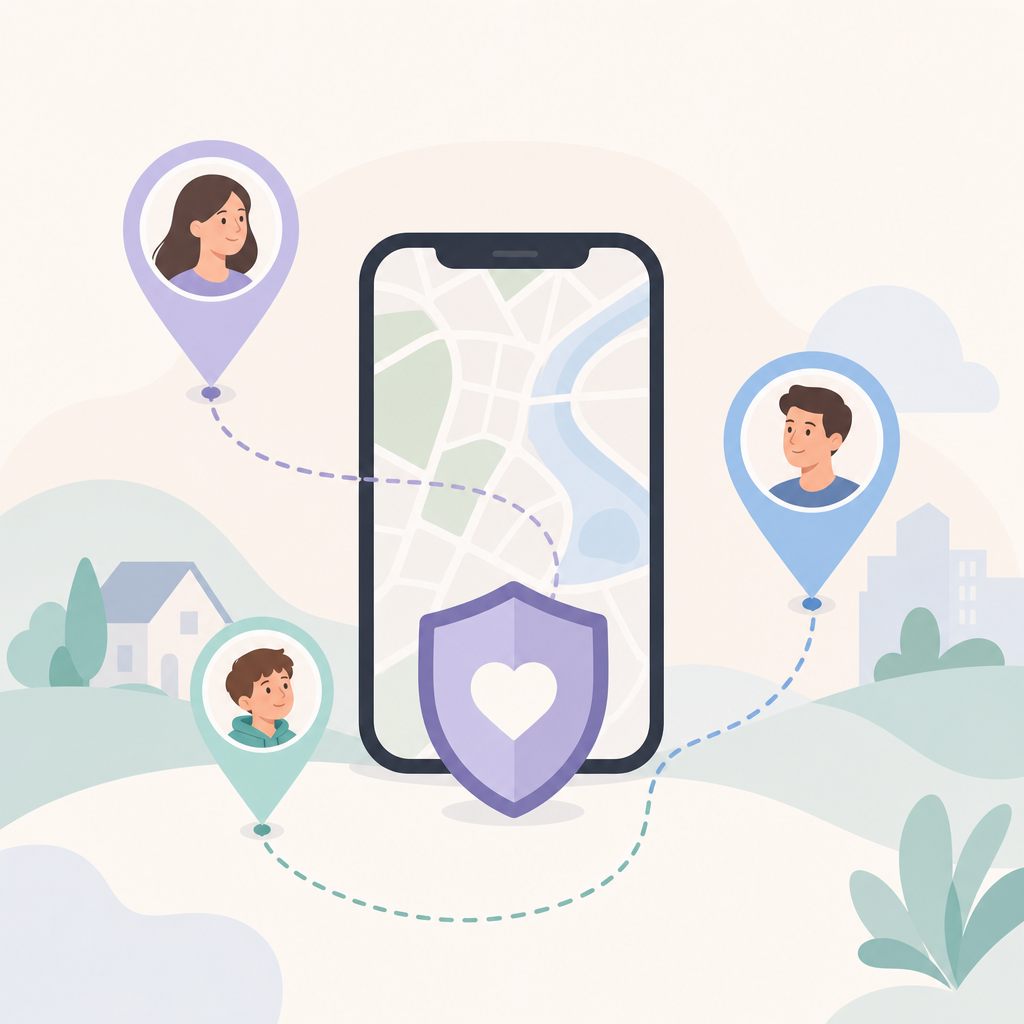
Short answer: How to find someone's location by phone number usually means one of two different things: checking who a number belongs to, or locating a person on a live map. A phone number alone cannot give you someone's real-time GPS location in a normal, legal consumer app. For family safety, the reliable route is consent-based sharing, where the other person accepts an invite and chooses to share.
That distinction matters when a child is late after practice, an older parent misses a check-in, or a partner is driving through bad weather. A number can help you invite someone or verify the right account; it does not bypass iOS, Android, WhatsApp, mobile carriers, or encrypted services.
Can you learn how to find someone's location by phone number?
Yes, but only in the consent-based sense. You can use a phone number to send an invitation, confirm that the right person is joining your circle, or ask them to share location through a family location tracker, Apple Find My, Google Maps Location Sharing, or a similar permission-based tool.
You cannot type a stranger's number into a phone number tracker and receive a live dot on a map. Public lookup tools may show the country code, carrier range, spam reputation, or possible caller identity. They do not provide the phone's GPS position, and they cannot lawfully force another person's device to report where it is.
Take a realistic case. Maya's 14-year-old is supposed to leave basketball at 6:15, but nobody answers for twenty minutes. Maya does not need a spy tool. She needs a setup where her child has already agreed to share location and everyone understands when tracking is on.
What is a family location tracker?
A family location tracker is an app that lets approved family members share their device location with each other on a private map. The core idea is mutual permission: the person being located joins the family group and grants location access.
In daily use, a family location tracker is less about staring at a blinking dot and more about reducing check-in friction. Parents may want to know that a teen arrived at school. Adult siblings may coordinate care for a parent who lives alone. Partners may share trip progress instead of sending repeated SMS updates.
Find: Family Location Tracker is built around that model. It can help families see approved members who have agreed to share, review location history when it is enabled, and set place alerts for home, school, work, or a gym. The app's job is not secret surveillance; it is clear, permission-based family safety.
What does a phone number tracker actually show?
A phone number tracker can mean several different products, and the name is often misleading. Most phone-number lookup tools can identify number format, region, carrier assignment, spam reputation, or owner hints from public and commercial databases; they do not show live GPS location.
| Method | What it can do | What it cannot do |
|---|---|---|
| Phone-number lookup | Check number format, possible region, carrier, or spam signals. | Show a person's live location from the number alone. |
| Consent-based GPS tracker app | Show location after the person accepts an invite and grants device permission. | Track someone secretly or bypass phone privacy settings. |
| Carrier or emergency location | Support emergency services or authorized requests under specific legal processes. | Act as a consumer shortcut for private tracking. |
| Messaging apps | Let a person manually share live location inside a chat, if supported. | Reveal location from encrypted message content or from a number alone. |
The trade-off is simple: real location sharing requires participation. That setup step prevents the tool from becoming a way to monitor someone who never agreed.
How we checked: For this revision, we reviewed public materials rather than lookup-site claims: the Find App Store listing, Apple Location Services guidance, Google location-permission guidance, WhatsApp encryption help, and U.S. FCC wireless E911 material. These pages were checked on June 3, 2026; store pages and settings can change.
How do you set up location sharing the right way?
The right setup starts before the first emergency. Choose the people who should be in the family circle, explain what will be visible, and make sure each person accepts the invite on their own device.
- Ask first, plainly. Say why you want location sharing, when you expect to use it, and who will be able to see it.
- Invite the correct phone number. The number helps match the invitation to the right person. It is not the location source.
- Grant location permission on the device. On iPhone, Apple's guidance says apps ask permission before first access; Google's Android guidance explains that app location access can be managed as a permission.
- Set places sparingly. Home, school, work, and a care facility are common examples. Too many alerts become noise.
- Review the agreement later. Families change. A teen who needed school alerts at 13 may deserve a different setup at 17.
That last step is easy to skip. It is also where trust is won or lost. Location sharing works best when it feels like a household safety habit, not a punishment that never expires.
When is a GPS tracker app useful for families?
A GPS tracker app is useful when location questions are predictable and recurring. It is not only for emergencies; it can reduce daily coordination when everyone has agreed on the rules.
Common use cases include school arrivals, after-practice pickups, commute check-ins, family travel, and care coordination for an older relative. Place alerts help because they answer a narrow question without requiring someone to open a map: did they arrive, did they leave, or has the route changed?
- For parents: use alerts for high-value moments, such as leaving school or arriving home, instead of watching the map all afternoon.
- For teens: make the boundaries explicit. A teen should know who can see location, whether history is enabled, and how to ask for changes.
- For caregivers: use location history carefully. It can help reconstruct a missed appointment or wrong turn, but it should not replace a conversation or safety plan.
- For couples and roommates: share location for travel or safety routines, not as proof of loyalty.
The honest limitation is battery and precision. GPS, Wi-Fi, Bluetooth, cell towers, buildings, tunnels, VPN use, and power-saving settings all affect location quality. A map pin can be late, approximate, or stale, so treat it as a signal rather than proof.
Is it legal to locate someone by phone number?
For ordinary consumer use, treat location tracking as consent-required. Laws vary by country and, in the United States, by state, but secret tracking can create serious privacy, stalking, employment, and family-law problems depending on the facts and local law.
A safer rule is easy to remember: if the person would be surprised to learn you can see their location, stop and get clear permission. Parents may have broader authority over a minor child's device, and employers may have policies for company-owned phones, but those situations still deserve transparency and written rules.
Emergency and carrier location are different categories. In the United States, FCC wireless E911 materials discuss location information used for 911 response; that infrastructure is for emergency handling and public-safety systems, not a consumer workaround for tracking someone through a private app. Other countries have their own rules, so check local law before making assumptions.
Claim: Find: Family Location Tracker should be treated as an invite-based family location tracker, not a phone-number lookup shortcut.
Evidence: The public App Store listing describes creating a Circle, sharing an invite code, using location access for Circle sharing, location history, and Circle Alerts.
Limit: Store listings and in-app settings can change; verify the current listing and the person's device permissions before relying on a feature.
Action: Use phone numbers or invite codes only to invite the right person, then confirm permissions on that person's own device.
Can Find locate someone who has not accepted an invite?
No. Find is a consent-based family location tracker, so it needs the other person to join your family circle and allow location access on their device. Without that approval, the app cannot show their live position.
That limit is not a missing feature. It is the line that keeps a family safety tool from becoming a surveillance tool. Find can help with map sharing, location history, and place alerts after setup, but it cannot read encrypted chats, bypass passcodes, force a phone to turn on GPS, harvest an IP address from WhatsApp, or pull private location from a phone number database.
Find is part of a privacy-aware product family; for readers comparing related safety products, Frontguard's app portfolio is the broader name to know. The practical test is still the same: if the person has not agreed to share, do not treat any app as a workaround.
What should you do when someone is missing or in danger?
If there is a real safety risk, do not spend precious time testing random phone-number websites. Contact local emergency services, nearby family members, the school, workplace, hotel, or event organizer, depending on the situation.
A family tracker is useful preparation, not a replacement for emergency response. If the person already shares location with you, check the last known point, the timestamp, and whether the phone appears offline. A stale location may mean a dead battery, poor signal, airplane mode, changed permissions, or the person choosing to stop sharing.
For lower-risk moments, send a direct message asking them to share live location through the app you both use. Apple Find My, Google Maps Location Sharing, Find, and some messaging apps can all support voluntary sharing under their current settings.
Frequently asked questions
Can I find someone's exact location using only their phone number?
No consumer app can reliably and lawfully show someone's exact live GPS location from a phone number alone. A number can help identify or invite a person, but live location comes from device permission, account sharing, voluntary chat sharing, or emergency and carrier processes outside normal consumer tools.
Is Find a phone number tracker?
Find may use a phone number or invite code as part of inviting or identifying a family member, but it is better described as a consent-based family location tracker. It shows location only for people who have joined your circle and allowed location sharing on their own device.
Can a family location tracker read messages or bypass encryption?
No. A GPS tracker app should not read WhatsApp, iMessage, SMS content, or other private messages to determine location. WhatsApp's help describes personal messages and calls as end-to-end encrypted; a family tracker gets location through phone permission and the user's sharing choice, not by reading chat content.
What if my child turns off location sharing?
Treat it as both a technical and family conversation. The phone may have lost signal, run out of battery, changed permissions, or entered a battery-saving mode; it may also mean your child intentionally disabled sharing. Check the device settings, then revisit the household agreement.
What is the safest way to find my family on a map?
The safest method is to set up a trusted family circle before you need it, confirm each person has accepted the invite, and keep alerts limited to useful places. That gives you practical visibility without pretending a phone number can secretly reveal where someone is.